Instagram grid planner: preview posts before scheduling
Plan Instagram posts beside published media, review carousel covers and understand what a profile preview can and cannot control.
Plan and prepare
Compare upcoming Instagram posts, TikTok video covers and Pinterest Pins in a dedicated planning workspace. Keep image order, creative preparation and publishing schedules clear.
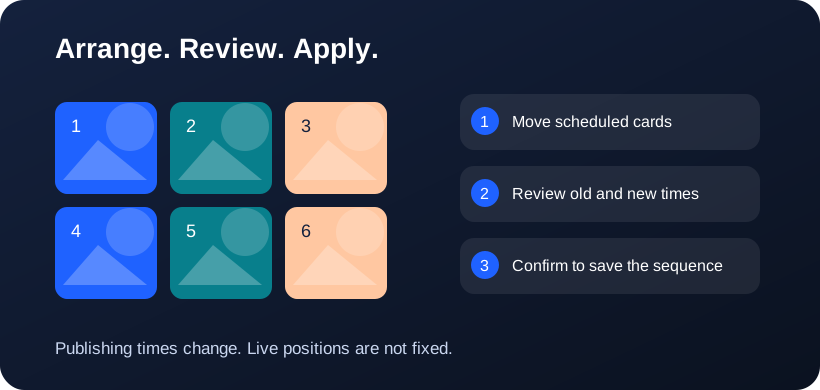
Canvas dimensions do not change a platform’s native columns. Published-content previews depend on API permissions and may differ from native profiles.
Plan Instagram posts beside published media, review carousel covers and understand what a profile preview can and cannot control.
Organize upcoming TikTok posts, compare video covers and understand the limits of TikTok’s public-video API.
Plan Pins for a connected Pinterest board with clear distinctions between board selection, publishing order and Pinterest’s live layout.
Compare nine-, twelve- and sixteen-tile planning canvases and learn why canvas size is separate from native profile layout.
Prepare image tiles with 3×3, 3×4, 4×4 and custom layouts, review crop or padding, and export in the intended order.
Change carousel and multi-image publishing order in the editor, compact preview and expanded media grid.
Review media requirements, fix eligible images together and keep manual issues visible instead of repairing every image individually.
Understand what provider APIs supply to a visual planner and which layout decisions remain inside Postly.
Continue with the content calendar, image editor or media repair guide.