Approved content → scheduled post
Filter a spreadsheet or database to approved records. Map the text, destination, and future time to Postly.
Follow the guide →Connected publishing automation
Turn approved content in your business apps into scheduled posts. Prepare campaigns with your AI agent, then use Zapier events, Make scenarios, or n8n API workflows to connect your business apps.
Choose your automationPlan and create with ChatGPT, Claude, Gemini, and more. Review the campaign in Postly, then connect the rest of your business workflow when you need it.
Choose your AI agent →Connected workflows
Connect events with Zapier, design scenarios with Make, or build API workflows in n8n. Your content continues in the same Postly workspace.
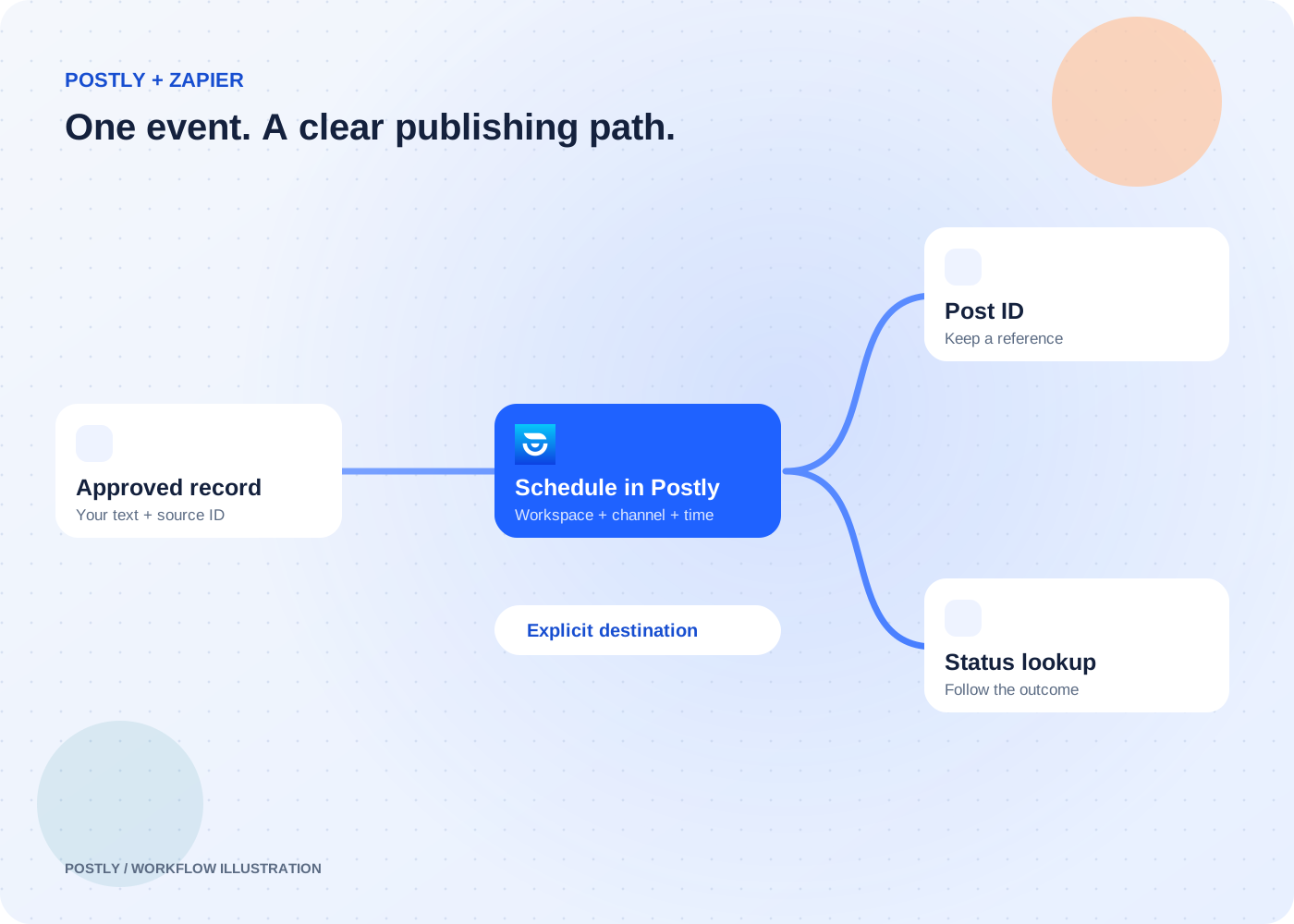
Straightforward event-to-action workflows across your business apps.
Private app · early access; public listing not yet available
Explore the workflow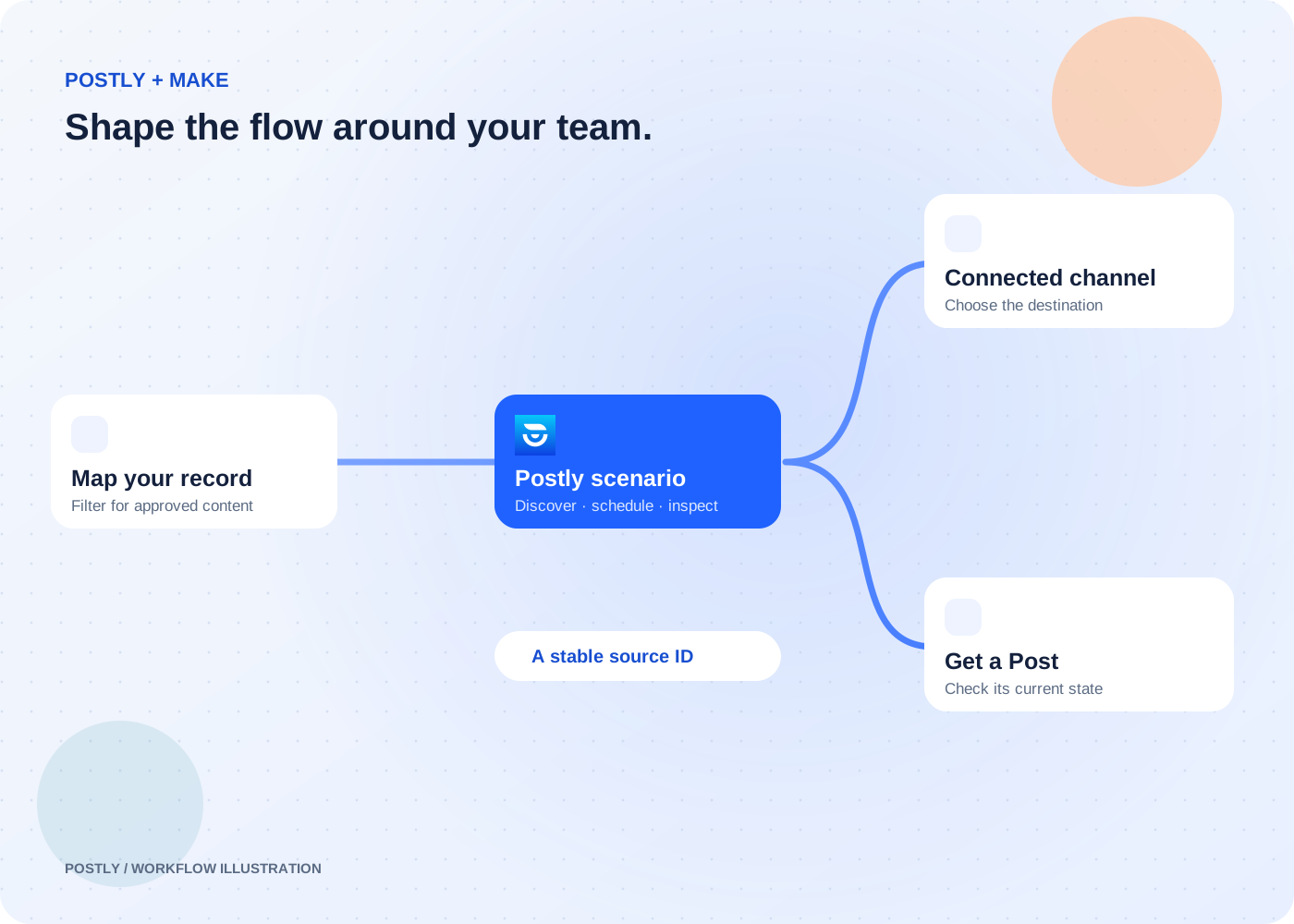
Visual scenarios that need mapping, filtering, routing, and several connected steps.
Available by invitation · public directory review pending
Explore the workflow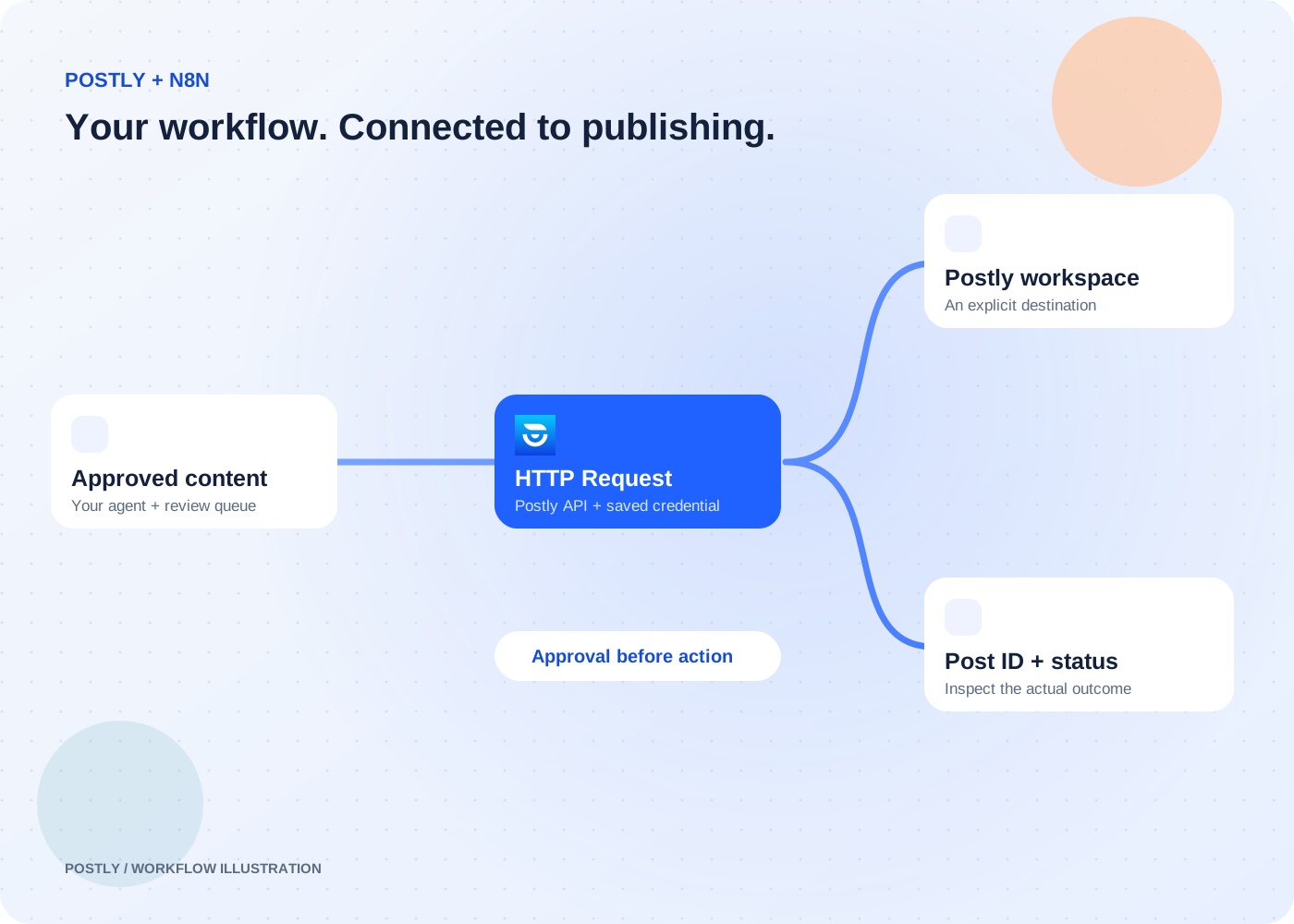
Custom workflows with branching, data transformation, and HTTP API requests.
Connect through the HTTP Request node and Postly API
Explore the workflowFilter a spreadsheet or database to approved records. Map the text, destination, and future time to Postly.
Follow the guide →Prepare a reviewed announcement with your article link. Pass it to a selected Postly channel through your workflow.
Follow the guide →Save the Postly post ID in your source record. Retrieve its status when your workflow needs to check the outcome.
Follow the guide →The dedicated Zapier and Make scheduling actions currently send text to one explicit channel per call. Check the guides for access, API eligibility, supported modules, and delivery checks.
Prepare campaigns and check results from a conversation.
Use Auto Post for recurring publishing from prompts, feeds, articles, videos, and products.
Use the publishing API and signed webhooks in your own application.