01
Connect your ad accounts
Connect Google and Meta ad accounts to your workspace. Meta analytics uses the approved ads_read permission. Each connected ad account uses a channel; connecting does not launch an ad.
Explore connect your ad accounts →Meta ads analytics
Meta Ads analytics is available now with approved ads_read access. Meta ad creation, post boosting and campaign changes are coming soon, pending Meta approval. Use Meta Ads Manager for those actions today; connected Meta analytics is available in Postly now.
Google Ads management and Google and Meta Ads analytics are available for Pro, plus LTD with API access. Meta ad creation and management are coming soon, pending Meta approval. Provider permissions apply; ad spend is separate.
01
Connect Google and Meta ad accounts to your workspace. Meta analytics uses the approved ads_read permission. Each connected ad account uses a channel; connecting does not launch an ad.
Explore connect your ad accounts →02
Choose a connected Meta account and reporting dates to see available spend, impressions, clicks, reach and conversions. Missing metrics remain identified.
Explore review performance →03
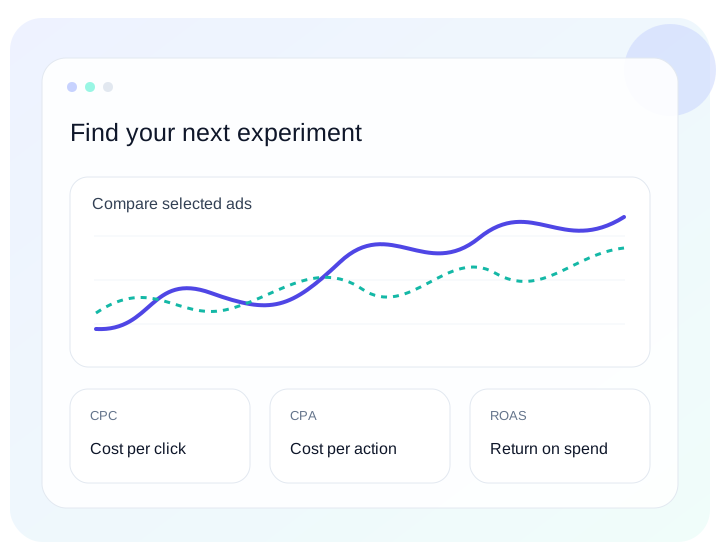
Search ads across connected accounts, choose a reporting period, compare costs and supported results, and export CSV, PDF or branded PDF reports. Keep currency and attribution differences in view.
Explore compare and export results →04
Meta ad creation, post boosting and campaign changes are coming soon, pending Meta approval. Use Meta Ads Manager for those actions today; connected Meta analytics is available in Postly now.
Explore manage delivery in meta →A little more clarity
Yes. Eligible customers can connect Meta ad accounts and use analytics now.
Meta ad creation, post boosting and campaign changes are coming soon, pending Meta approval. Use Meta Ads Manager for those actions today; connected Meta analytics is available in Postly now.
No. Reading results and changing campaigns require different permissions. ads_read is approved; public ads_management approval is pending.
Meta ad creation, post boosting and campaign changes are coming soon, pending Meta approval. Use Meta Ads Manager for those actions today; connected Meta analytics is available in Postly now.
Ads is available for Pro subscribers. LTD accounts need API access. Other plans, including legacy subscribers, must upgrade. Google Ads management and Google and Meta analytics are available. Meta creation and management are coming soon, pending Meta approval.
Less reporting friction. More perspective.