01
Choose an account and destination
Select an accessible Google Ads account and the website destination for your campaign. Account roles and Google’s requirements will still determine what you can do.
Explore choose an account and destination →Google Ads management
Google Ads offers extensive controls. Postly offers guided creation and management, with account-specific prerequisites and a review before changes.
Google Ads management and Google and Meta Ads analytics are available for Pro, plus LTD with API access. Meta ad creation and management are coming soon, pending Meta approval. Provider permissions apply; ad spend is separate.
01
Select an accessible Google Ads account and the website destination for your campaign. Account roles and Google’s requirements will still determine what you can do.
Explore choose an account and destination →02
The guided workflow helps you enter keywords, headlines, descriptions and audience geography. Google’s validation and advertising policies will continue to apply.
Explore prepare search ad copy and targeting →03
Choose Create paused to save without delivery, or Publish and activate to request active delivery after final review. Check the account, budget and schedule before confirming; active campaigns can spend money.
Explore review budget and launch settings →04
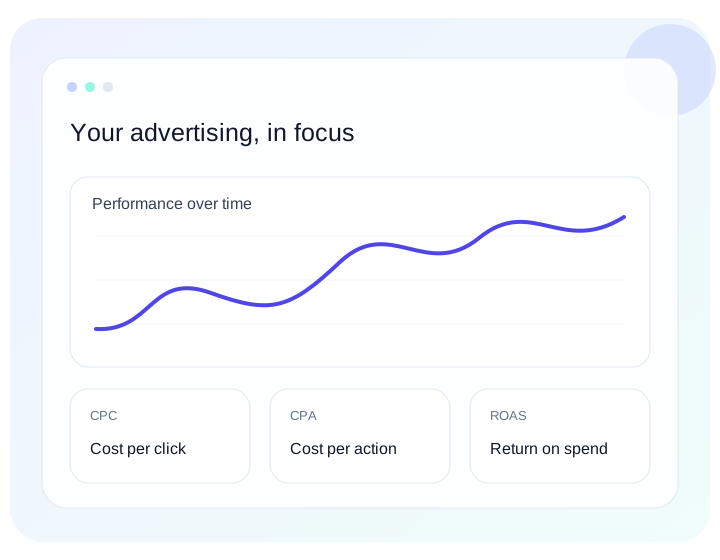
Controls include pause, activation, rename, permanent deletion, supported budgets and schedules, manual ad-group CPC and responsive Search text edits. Use spend, clicks, available conversions and delivery evidence to decide what to investigate; advanced changes can still be made in Google Ads.
Explore manage with performance context →A little more clarity
Yes, eligible customers can create Google ads now. Google validates account permissions, assets and campaign settings.
Search, responsive Display, Performance Max, Standard Shopping, Demand Gen image/video and app-install creation are supported. Legacy Video requires native setup. Merchant feeds, conversion tracking and store listings must already be configured.
No. Connecting through Postly does not grant additional account privileges. Management will require the appropriate Google Ads account access.
No. The product focuses on guided creation, common campaign controls and insights. Advanced configuration and billing will remain in Google Ads.
Pro includes Ads. LTD accounts need API access. Other plans, including legacy subscribers, must upgrade. Provider permissions apply.
Less reporting friction. More perspective.