Binary file upload
Send files directly from disk, a browser upload flow, or your backend and receive Postly-hosted media for publishing.
CSV, Google Sheets, API and MCP submissions share destination media checks. URL access checks remain in place; file format, size, supported media types, and available dimensions or duration also matter. Bulk errors identify the source row before new rows are scheduled. Replace incompatible files or use Fix images in the Postly channel preview, then review the result. Videos require manual export when incompatible. A limited MP4/MOV header check can identify encoding and reported frame rate; incomplete checks are guidance, not a failed upload or a reason to resubmit an accepted post. Review image and video requirements. Prepare videos for publishing.
Add multi-platform publishing, scheduling, flexible media uploads, analytics, and AI-agent workflows to your product without building every social integration yourself.
Pro includes API access and MCP for AI-agent workflows. Manage API keys and check your account’s access in the dashboard. Existing API subscribers keep their purchased pricing and benefits.
Why teams choose Postly
Create posts, store media, schedule campaigns, inspect status, and retrieve analytics through one publishing layer.
Send binary files, URLs, Base64, data URLs, or inline media without redesigning your asset flow.
Connected accounts, workspace boundaries, channel rules, and delivery requirements remain inside Postly.
Use REST for custom products or MCP for conversational and autonomous publishing workflows.
Media ingestion USP
Upload generated or locally processed media without first hosting it on a public server. Postly accepts the practical formats apps, agents, and automation pipelines already produce.
Send files directly from disk, a browser upload flow, or your backend and receive Postly-hosted media for publishing.
Import assets already stored in your CMS, DAM, CDN, cloud storage, or generated-media service.
Send media already held in memory without first creating a separate public hosting step.
Store and attach media during post creation or updates, keeping the publishing flow compact.
The complete layer
Postly combines destination discovery, media ingestion, publishing, scheduling, validation, status, and analytics so the pieces work as one system.
Publish through connected social, blog, email, newsletter, messaging, and business-profile destinations from one infrastructure layer.
Discover organizations, workspaces, accounts, pages, channels, and audience groups before a publishing request is sent.
Create drafts, publish now, schedule ahead, run recurring workflows, monitor status, and inspect failures.
Use Postly's destination-specific controls and media rules instead of rebuilding platform logic in every application.
API workflow guides
Use focused examples for social scheduling, multi-platform publishing, workspace routing, media uploads, video, JSON payloads, and destination-specific content.
Use one workspace and one target account when a request should publish to a single destination.
Publish one post from one workspace across multiple connected social accounts.
Use separate requests when different brands or clients live in different workspaces.
Upload media first, then attach the returned file URL in the post request.
Attach more than one hosted image by adding multiple media objects in the media array.
Use one video object in media for each post request to keep the payload channel-safe.
Store reusable text, captions, and target metadata in JSON before sending the final request.
Keep one base post, then override text or media per platform when needed.
Use one_off_schedule for a date and time when your workflow needs delayed publishing.
Choose your integration
Use the same Postly publishing infrastructure through the integration style that matches your product or workflow.
Developer REST API
Best for SaaS products, internal tools, backend services, middleware, custom applications, and no-code automation platforms.
Model Context Protocol
Connect ChatGPT, Claude, Gemini, custom agents, IDE assistants, and other MCP-compatible systems to authorized Postly workspaces.
Connect ChatGPT to Postly so conversations can create drafts, prepare campaigns, retrieve analytics, and trigger approved publishing workflows.
Use Claude with Postly MCP to plan content, generate posts, review performance, manage schedules, and support publishing workflows.
Turn Gemini into a Postly-connected publishing assistant for content creation, scheduling, campaign support, and analytics review.
Connect any MCP-compatible assistant, agent, IDE, or multi-agent system to Postly with secure workspace-aware access.
Create drafts, validate content, queue posts, schedule campaigns, publish approved content, and manage multi-platform workflows through MCP.
Publish and manage content across social, blog, email, newsletter, and business profile channels from one MCP-connected workflow.
Easy to start
Keep onboarding focused: authenticate, discover the right workspace and destinations, then publish using media your workflow already has.
Create secure access for your application, automation, or agent.
Resolve the workspace, connected accounts, pages, and channels.
Upload media, create the post, and track its publishing status.
API capabilities
These capabilities are loaded from Pricing.json so the page stays aligned with the features Postly currently offers.
Publish immediately or schedule content across multiple connected social channels through one integration instead of maintaining separate APIs for every platform.
Learn moreSend images and videos as direct file uploads, public URLs, or Base64 data, making it easy to publish media from apps, servers, local workflows, and AI agents.
Learn moreUpload generated or locally processed media without first hosting it on a public server, reducing infrastructure requirements and simplifying automated publishing workflows.
Learn moreConnect ChatGPT, Claude, custom AI agents, and MCP-compatible apps directly to Postly for content creation, media uploads, scheduling, publishing, and workflow automation.
Learn moreAdd reliable multi-platform social publishing to your product or workflow without spending months building and maintaining individual social network integrations.
Learn moreRetrieve workspaces and connected social accounts programmatically so every post is sent to the correct client, brand, and publishing destination.
Learn moreSend secure, real-time publishing, approval, and connection events to Slack, Discord, automation platforms, and signed HTTPS endpoints, with tests, delivery history, and retry handling.
Learn moreGenerate secure API keys for applications, AI agents, MCP clients, internal tools, and automation workflows with controlled access to Postly.
Learn moreBuild custom integrations, SaaS features, middleware, publishing workflows, and automation systems using Postly's developer-friendly REST API.
Learn moreUpload and reuse media, create posts, schedule campaigns, monitor publishing status, and manage content while keeping everything visible inside Postly.
Learn moreUse Postly as the execution layer for AI-powered social publishing, media handling, scheduling, approvals, automation, and delivery monitoring.
Learn moreConnect Google Sheets to Postly for spreadsheet-powered content creation, bulk scheduling, publishing, syncing, and workflow automation.
Learn moreConnect Postly with Zapier, Make, n8n, Pipedream, and similar automation platforms using the same API and webhook infrastructure.
Learn moreBuilt for real products
Use Postly as the execution layer behind products, agents, internal systems, campaign tools, and automated content pipelines.
Add multi-platform publishing to a SaaS product
Let AI agents create, upload, schedule, and publish content
Trigger campaigns from a CMS, DAM, or internal platform
Build approval, scheduling, and status workflows
Run spreadsheet and no-code publishing automations
Create reporting and analytics experiences
Manage multiple brands and clients through workspaces
Postly manages connected accounts, workspace boundaries, destination requirements, media validation, scheduling, publishing status, and dashboard visibility—so your team can focus on the workflow your customers actually see.
Build faster
Connect once and give your application or AI agents a complete, workspace-aware publishing workflow.
Connected workflows
Use the Zapier and Make connectors for mapped publishing actions. Use the Chrome extension when a person needs to review a webpage capture in the Postly editor.
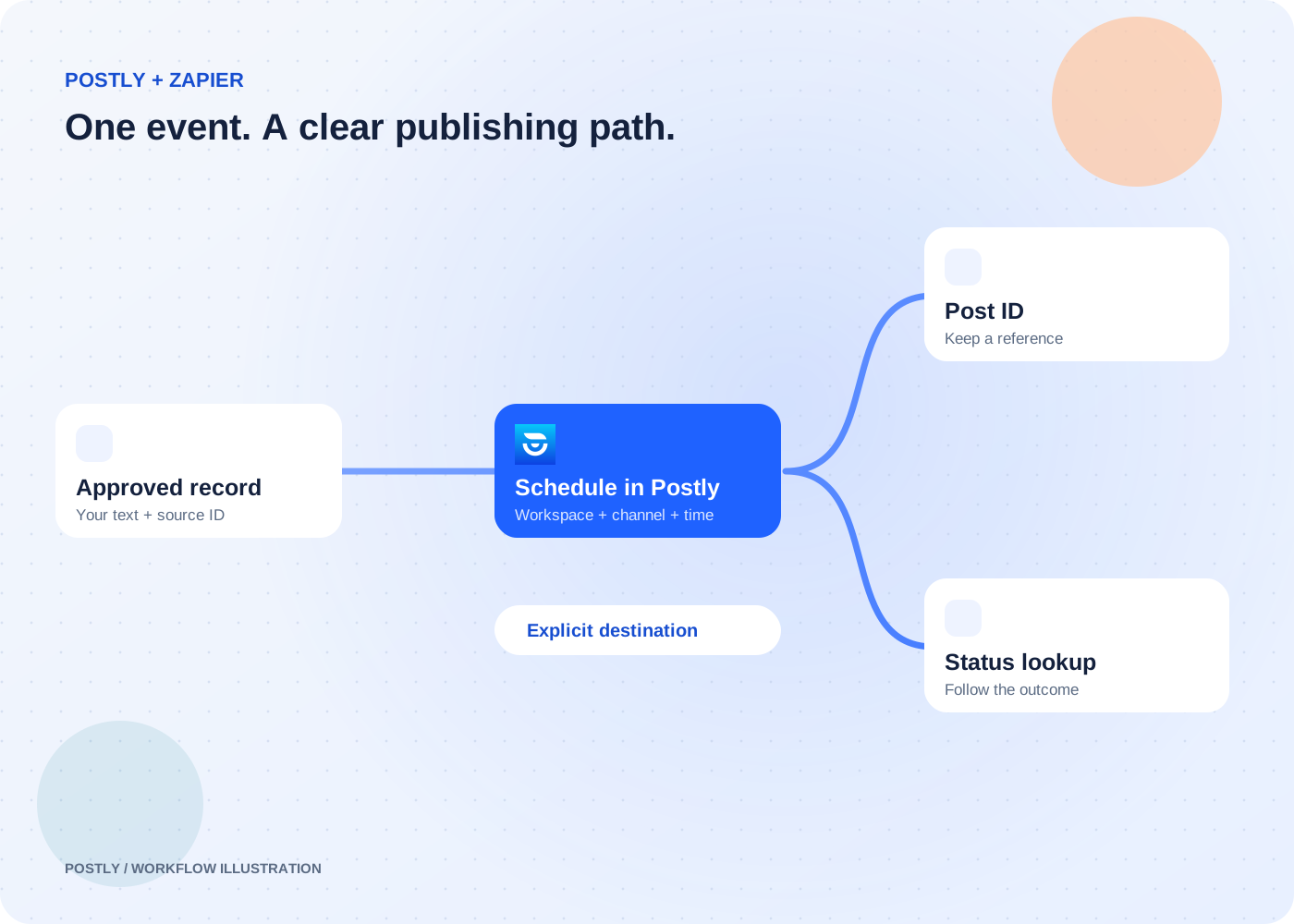
Straightforward event-to-action workflows across your business apps.
Private app · early access; public listing not yet available
Explore the workflow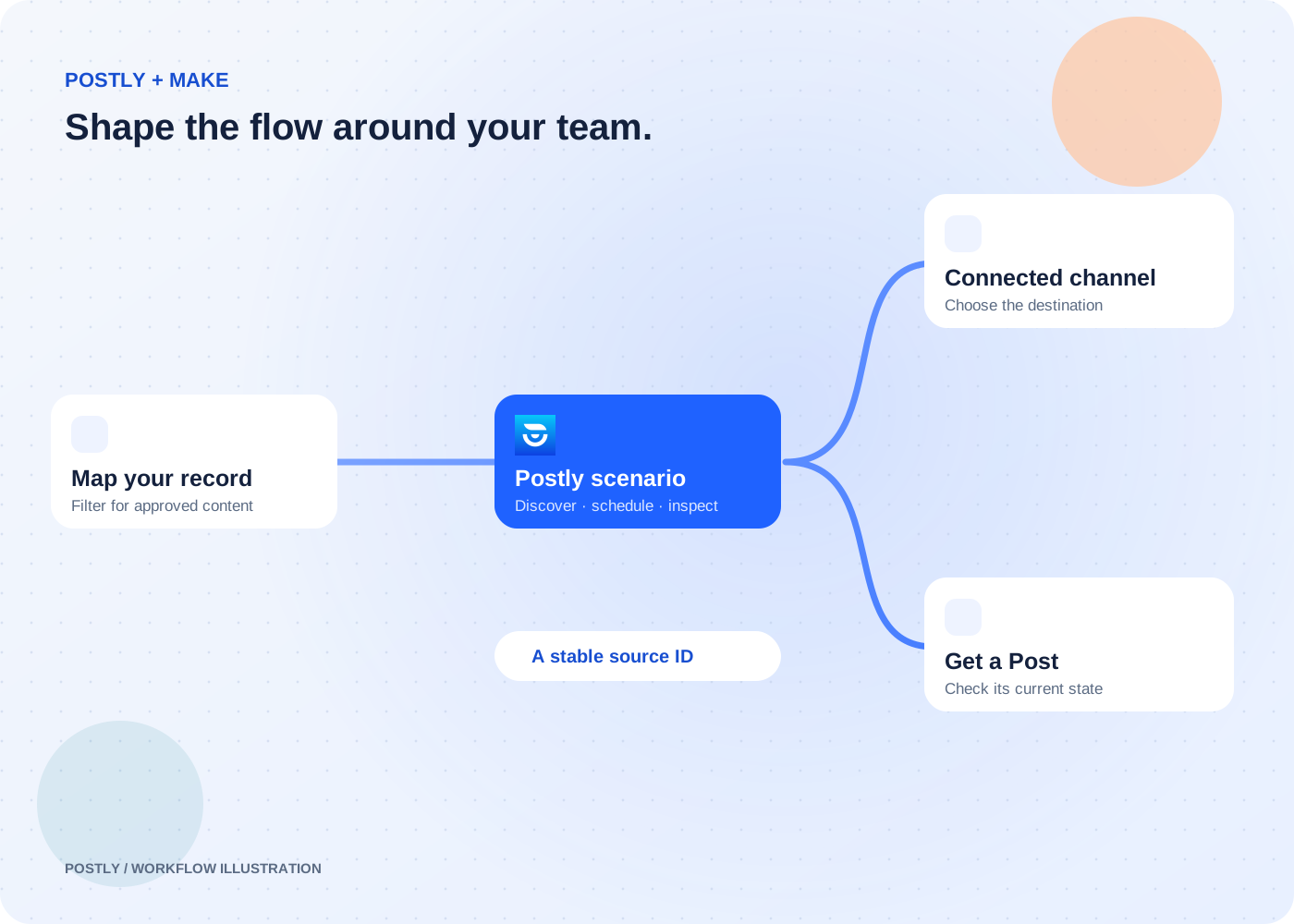
Visual scenarios that need mapping, filtering, routing, and several connected steps.
Available by invitation · public directory review pending
Explore the workflow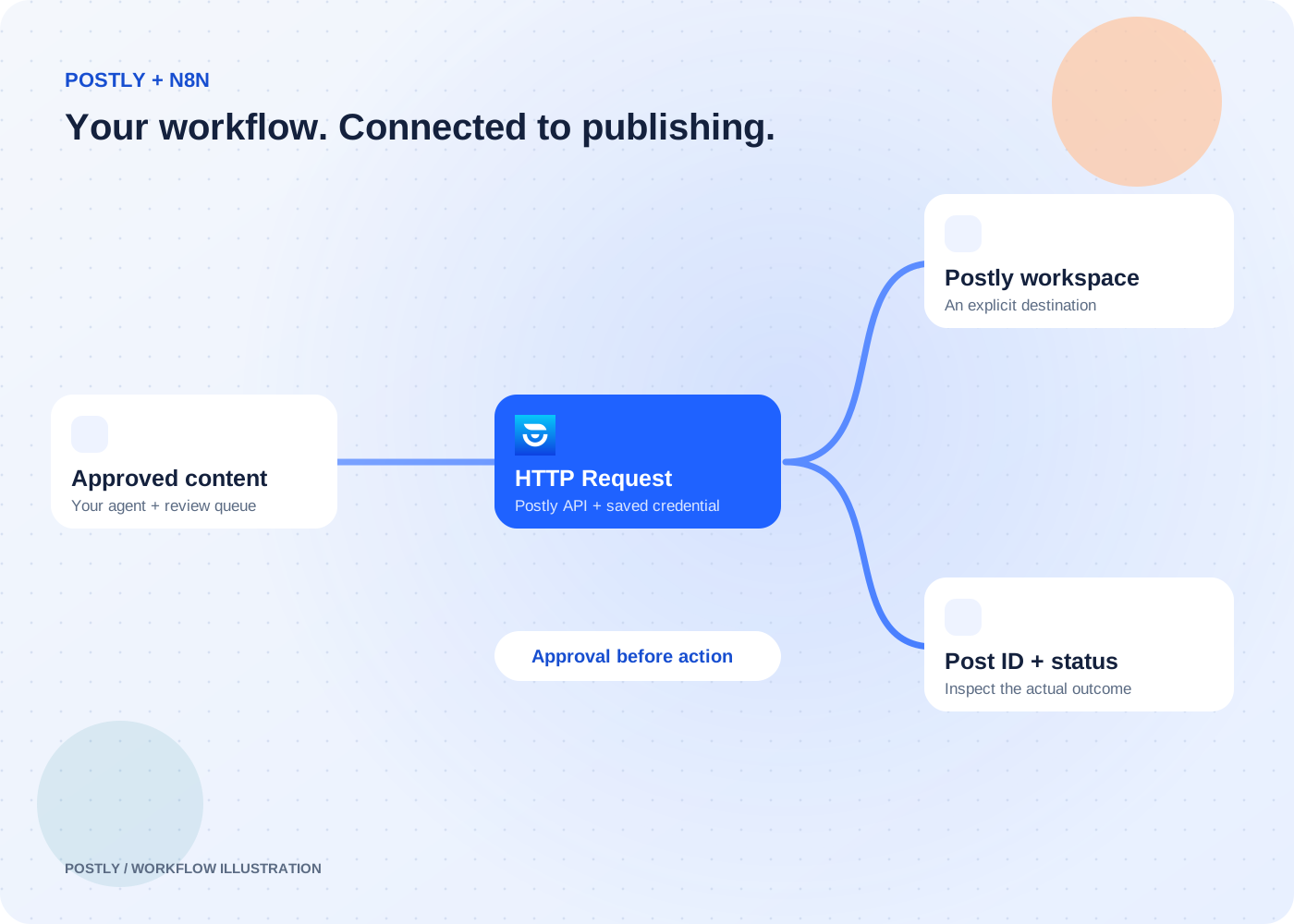
Custom workflows with branching, data transformation, and HTTP API requests.
Connect through the HTTP Request node and Postly API
Explore the workflow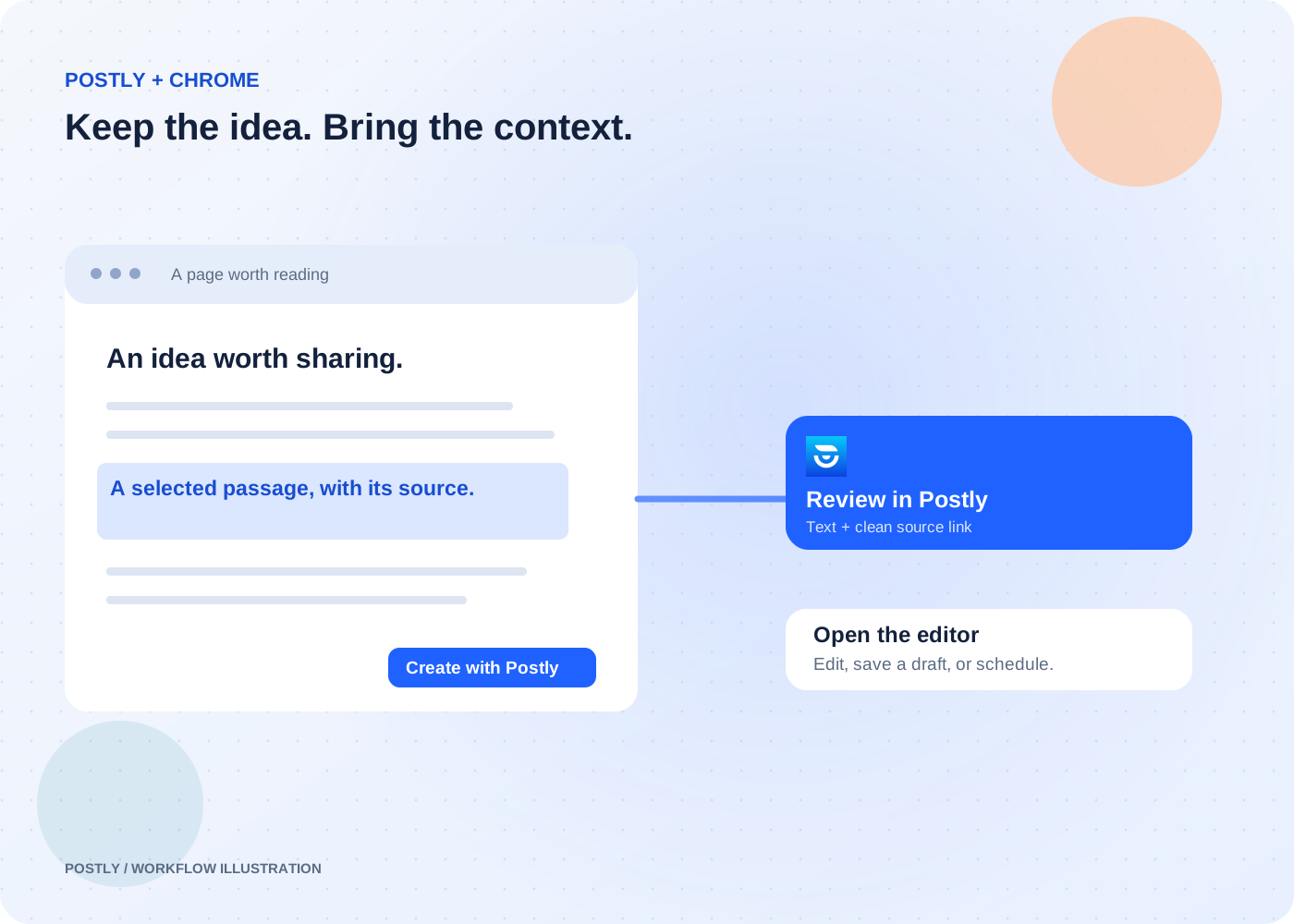
Human-led research, curation, and writing while browsing.
See the setup guide for current installation availability
Explore the workflow