Schedule Post
Send text to one selected connected destination at a future date and time.
Postly + Zapier
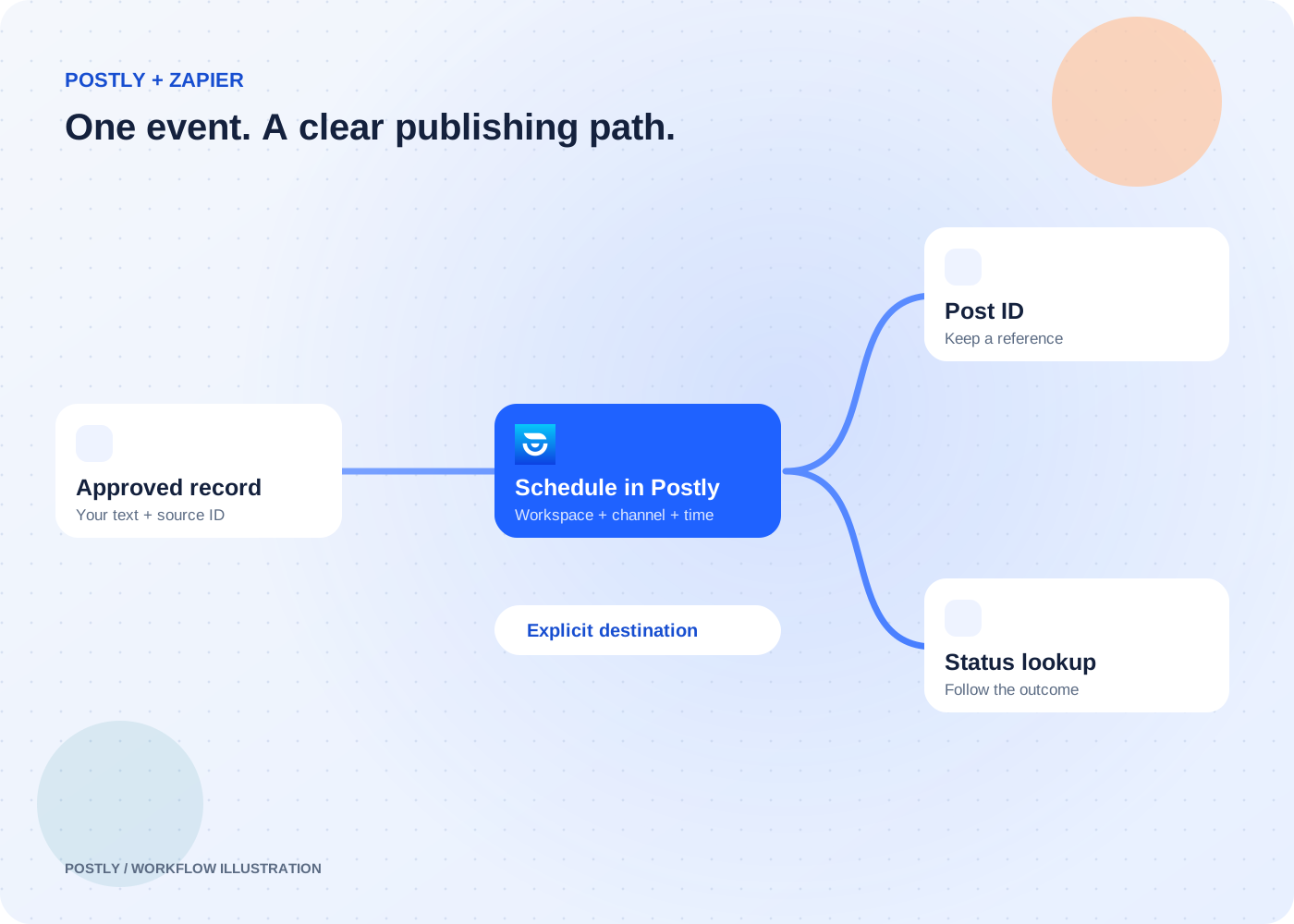
Keep the tools your team already uses. Bring the final text, destination, and publishing time into Postly through a Zap that you control.
Private app · early access; public listing not yet available. Postly API access is required. Your automation platform’s plan and limits also apply.
The outcome
Send text to one selected connected destination at a future date and time.
Look up a Postly post by ID and inspect the result.
Choose a workspace and load its connected destinations inside the Zap editor.
A record reaches your ready-to-publish stage.
Map the text, source ID, workspace, channel, and date.
Schedule the post and return its ID.
Use the post ID to check its status.
Move a reviewed spreadsheet or database record into the Postly schedule.
Read the workflowPass an approved announcement and article link to a connected social destination.
Read the workflowRetrieve a post when a teammate or another step needs its current details.
Read the workflowThe Schedule Post action creates a scheduled publishing request. To review a draft in the Postly editor, use the Chrome capture workflow or a supported MCP draft tool.
This connector action currently schedules text. Use the Postly editor or the documented publishing API for workflows that require media.
Map a stable source record ID and replay the same text, channel, and schedule unchanged. Postly can recover an unchanged bulk-import retry. Editing those inputs represents a new submission.
No. Keep the returned post ID and check its status. Destination validation, account permissions, and provider delivery still apply.