Verify your connection
Use an authenticated GET request to list your accessible Postly workspaces.
Postly + n8n
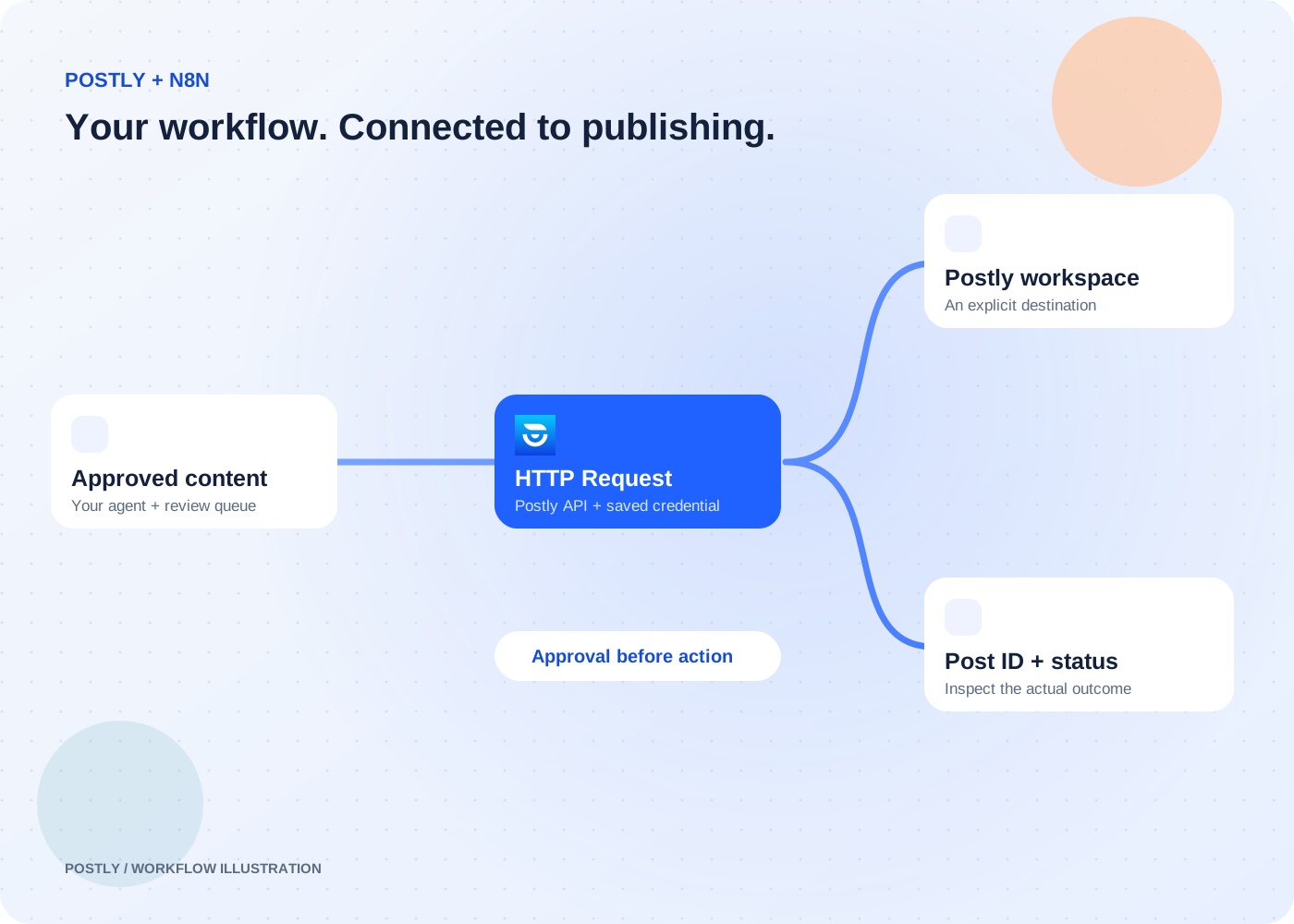
Connect the workflows you already run in n8n to your publishing workspace. Keep your AI agent in charge of preparation, your team in charge of approval, and Postly in charge of the publishing schedule.
Connect through the HTTP Request node and Postly API. Postly API access is required. Your automation platform’s plan and limits also apply.
The outcome
Use an authenticated GET request to list your accessible Postly workspaces.
Use n8n filtering and mapping before sending a documented publishing API request.
Store the returned post ID and inspect the post through the documented API or Postly calendar.
Prepare content and keep it in an approval queue.
Filter approved records, validate fields, and call the Postly API.
Accept a valid publishing request and return a reference.
Record the post ID and check the actual publishing outcome.
Prepare content with an agent and require approval before your HTTP Request step.
Read the workflowMap reviewed records and explicit destinations to documented publishing requests.
Read the workflowLink each source record to the Postly post so retries and delivery checks remain traceable.
Read the workflowThis guide uses n8n’s built-in HTTP Request node with the Postly API. It does not require or claim a native Postly node or an approved n8n marketplace listing.
Use Generic Credential Type and Header Auth. Set the header name to X-API-Key and save your Postly API key as its value in n8n credentials. Do not put the key in a URL or a shared workflow export.
An agent can prepare content upstream. Put an explicit approval gate before the Postly publishing request, and validate the final content, workspace, channel, and publishing time.
No. Inspect the response and any row-level errors, retain the returned post ID, and check delivery. An accepted request may still encounter destination validation or provider errors.