Discover destinations
List accessible workspaces and connected channels before scheduling.
Postly + Make
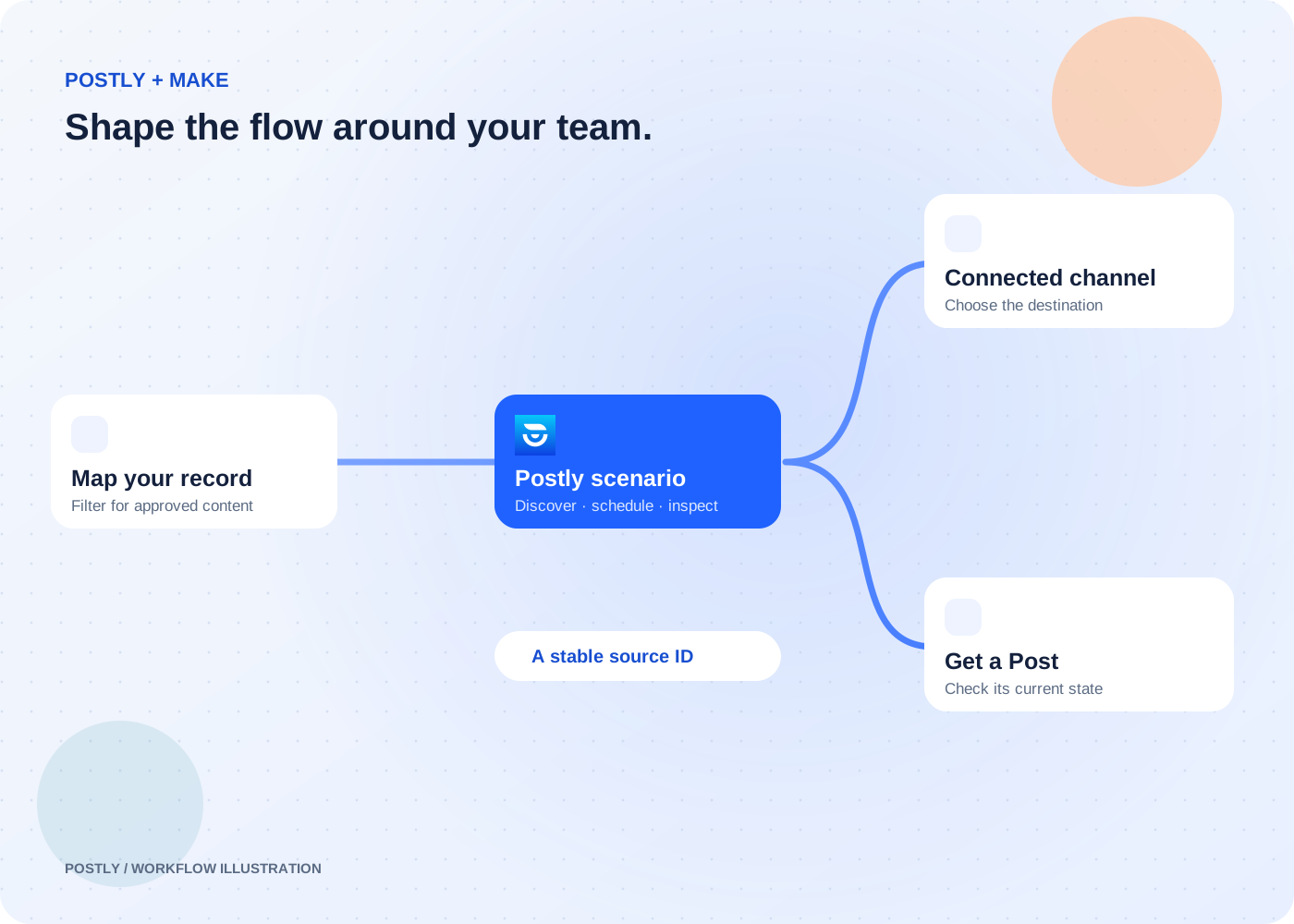
Shape the logic around your publishing process. Map records, choose a destination, and hand delivery to the Postly workspace your team already manages.
Available by invitation · public directory review pending. Postly API access is required. Your automation platform’s plan and limits also apply.
The outcome
List accessible workspaces and connected channels before scheduling.
Schedule a text post, then use Get a Post to inspect the returned post ID.
Call documented relative Postly API paths using the same saved connection.
Start with a reviewed record or a deliberate scenario input.
Check required fields and select the intended workspace and channel.
Send a stable source ID, text, and future publishing time.
Use Get a Post and the scenario execution log to investigate delivery.
Filter your content calendar to the records your team has approved.
Read the workflowUse List Workspaces and List Connected Channels to map the right account.
Read the workflowKeep the post ID as the reference for later status checks.
Read the workflowNo. The API key connects Make to your existing Postly access. Workspace permissions, plan eligibility, and publishing limits still apply.
The universal module accepts relative paths on the Postly API, such as /v1/workspaces. Use the API reference for the method, body, permissions, and response expected by each endpoint.
The Schedule a Post module targets one explicit channel per call. Route records or repeat the module deliberately when your workflow needs separate destination requests.
Inspect the module error and Postly post status. Check the key, workspace, connected channel, text, and future schedule before changing or replaying the record.