Rank Math WordPress SEO Publishing with Postly

Publish WordPress articles with Rank Math: configure SEO titles, descriptions, canonical URLs and images through Postly. Learn API requirements and recovery steps.
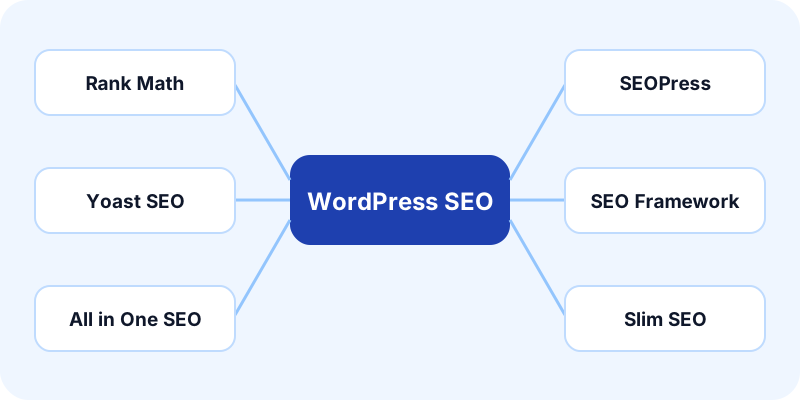
How the workflow works
- Step 1
Install and configure Rank Math on the destination WordPress site, then connect the site to Postly.
- Step 2
Choose Rank Math in WordPress settings. For API or MCP requests, use seo_plugin: rank_math; CSV and Sheets use wordpress_seo_plugin.
- Step 3
Add the article, SEO title, description, canonical URL, and featured image. Configure social previews separately when the plugin supports them.
- Step 4
Publish a test article or draft, review the delivery result, and inspect the public page after publishing.
How the Rank Math integration writes SEO
Rank Math writes metadata through its authenticated updateMeta endpoint. The connected WordPress account must be allowed to edit the destination post. Select Rank Math explicitly if automatic detection cannot identify a single active plugin.
Featured images and social preview images
A featured image is a WordPress media attachment used by your theme. An Open Graph or X image controls a social preview and can be different. Add meaningful featured-image alt text, use an accessible image source, and check the final public page. An existing attachment ID must belong to the connected site.
Use the dashboard, CSV, Google Sheets, API or MCP
The same plugin choice follows each publishing workflow. Choose Rank Math in the dashboard or set wordpress_seo_plugin to rank_math in a fresh WordPress-specific CSV template. Google Sheets carries the same column. API and MCP use seo_plugin inside the WordPress settings object. Download a fresh template before each batch so new fields are available.
Troubleshooting and plugin limits
A successful WordPress post response does not prove Rank Math accepted its metadata. If Postly reports an SEO warning, open the published article in WordPress and correct the existing post instead of publishing a second copy.
Verify the published result
Check the article URL, featured image, HTML meta description, canonical link and social image tags. Themes, another active SEO plugin, caching, and site permissions can affect the final output. If the article exists but SEO delivery is unconfirmed, repair its settings in WordPress. Search engines may choose a different search snippet even when the description is correctly saved.
Frequently asked questions
Can Postly bulk publish Rank Math SEO settings?
Yes, use a WordPress-specific CSV template or Google Sheets with wordpress_seo_plugin set to rank_math. Delivery still requires the plugin API setup and permissions described above.
Does Rank Math need additional WordPress setup?
Rank Math writes metadata through its authenticated updateMeta endpoint. The connected WordPress account must be allowed to edit the destination post. Select Rank Math explicitly if automatic detection cannot identify a single active plugin.
Does a successful article mean every SEO field was applied?
No. Review the publishing receipt and any SEO warnings, then inspect the public page. WordPress can accept the article while the plugin rejects a metadata update.