Schedule DEV.to Articles and Drafts
Create, preview, schedule, and automate DEV.to articles with drafts, presets, bulk publishing, and Auto Post.
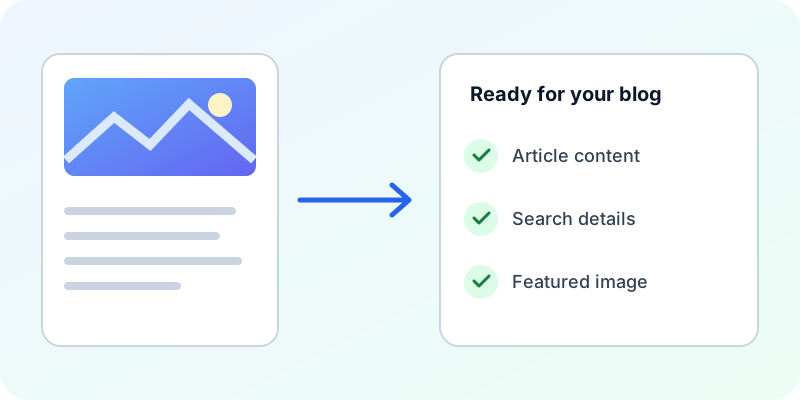
How the workflow works
- Step 1
Create or import the article in Postly.
- Step 2
Choose the connected DEV.to account.
- Step 3
Set status, tags, series, and cover image.
- Step 4
Publish now or choose a one-off or recurring schedule.
DEV.to SEO fields and publishing limits
Use the article title, description, and canonical URL. Separate SEO titles and Open Graph or X overrides are not supported by this integration.
Images in DEV.to articles
Set a main image and include images in the article body. Use publicly reachable image URLs. Check the destination preview after publishing. A cover image and a social preview image serve different purposes; supply each supported field deliberately.
Publish through CSV, Google Sheets, API or MCP
Start with a fresh platform-specific template in Bulk Post before each batch. Google Sheets uses the platform's column names, while API and MCP requests use its settings object. Unsupported SEO fields are reported so you can correct the request before publishing. Use the cross-channel field guide below for the exact names.
Check the live article before repeating a request
Open the returned article URL and review the title, images and supported metadata. For cross-posts, use the original article URL as the canonical URL where available. If a post exists but a setting needs attention, correct that post; submitting it again may create a duplicate. Search engines can rewrite snippets, so compare the actual page metadata rather than only its search result.
Frequently asked questions
Which SEO settings can I send to DEV.to?
Use the article title, description, and canonical URL. Separate SEO titles and Open Graph or X overrides are not supported by this integration.
Can I bulk publish DEV.to articles with images?
Use a fresh platform-specific CSV template or Google Sheets. Set a main image and include images in the article body. Use publicly reachable image URLs.