01
Choose your organic campaign
Start on Organic vs paid and select a campaign in the current workspace. Campaign reports stay focused on their own results.
Explore choose your organic campaign →Organic vs paid
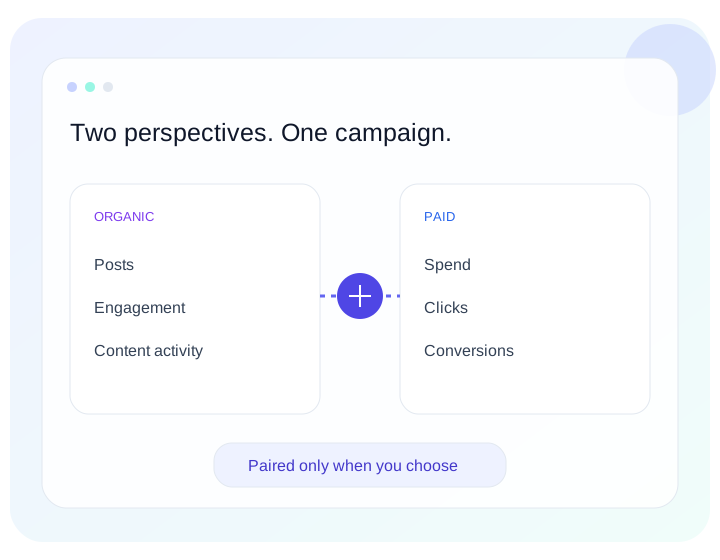
A product launch can include scheduled content and advertising. Choose which reports belong to that launch, then explore both sides without losing their individual context.
01
Start on Organic vs paid and select a campaign in the current workspace. Campaign reports stay focused on their own results.
Explore choose your organic campaign →02
Choose the advertising reports and confirm their matching dates. No relationship is inferred from campaign names or dates.
Explore select paid reports →03
Read organic post counters and paid activity in their own measurement context. Different reporting windows and mixed or unavailable metrics remain visible.
Explore review side by side →04
Refresh or export the comparison. Remove the relationship when it is no longer useful; the original reports remain independent.
Explore keep control of the pairing →A little more clarity
No. A comparison is not a cross-platform attribution model. Provider-reported conversions can overlap, and organic counters may use a different measurement window.
Create and manage pairings on Organic vs paid. Paid ads reports and Campaign reports remain dedicated to their individual reporting workflows.
Yes. Removing a pairing preserves the original campaign and paid reports.
Less reporting friction. More perspective.