Creator product selection
Search and select products available to the eligible, authorized TikTok Shop creator account.
Choose eligible TikTok Shop creator products in Preview, review the video and commerce settings, then publish or schedule the shoppable content through Postly.
Availability depends on platform eligibility, catalog approval, account permissions, and Postly rollout access.
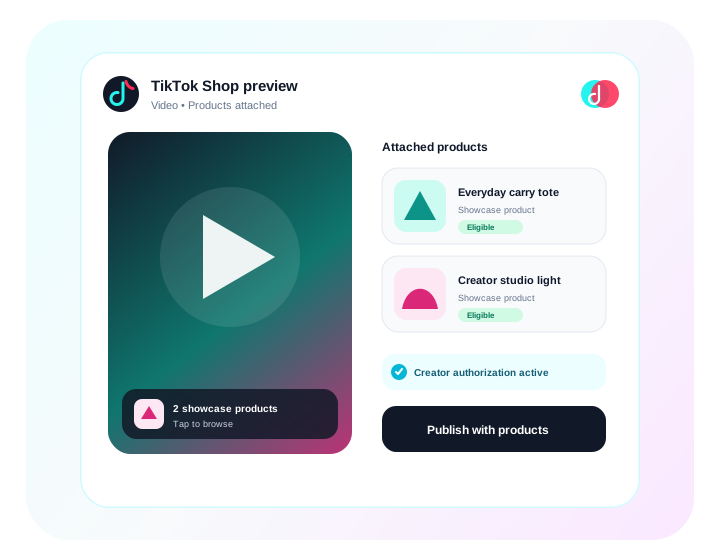
From attention to product discovery
Plan the content, connect an eligible commerce account, select approved products in Preview, and publish without splitting creative review from product selection.
Search and select products available to the eligible, authorized TikTok Shop creator account.
Keep video, title, disclosure controls, product selection, and publishing settings visible in Preview.
Attach the selected Shop product through TikTok's supported shoppable publishing workflow.
Coordinate shoppable videos with the rest of the content calendar, approvals, media, and campaign operations.
How it works
Standard posts stay standard. Product tagging is an optional commerce path that is only used when an eligible product is selected.
Connect an eligible TikTok Shop creator account with the required affiliate and content-publishing access.
Create or upload the content and configure TikTok-specific publishing and disclosure settings.
Search products available to the creator and attach the intended product in Preview.
Postly runs the provider precheck and sends the shoppable video through the dedicated Shop flow.
FAQ
Bring planning, creative review, product selection, scheduling, and publishing into the same Postly workflow.
Get started with Postly